Choosing a tool
Apps That Block Instagram Reels and Keep Your DMs, Compared
Instagram has no switch for Reels, so you need an app to block Instagram Reels from outside. Fluid Friction, ScrollGuard and SocialLite do it on both Android and iPhone, and NoScroll, ScreenZen and AppBlock are popular on Android. All of them keep your DMs. They differ on price, on ads, and on whether the rest of your feed is slowed down too.
On this page (6 sections)
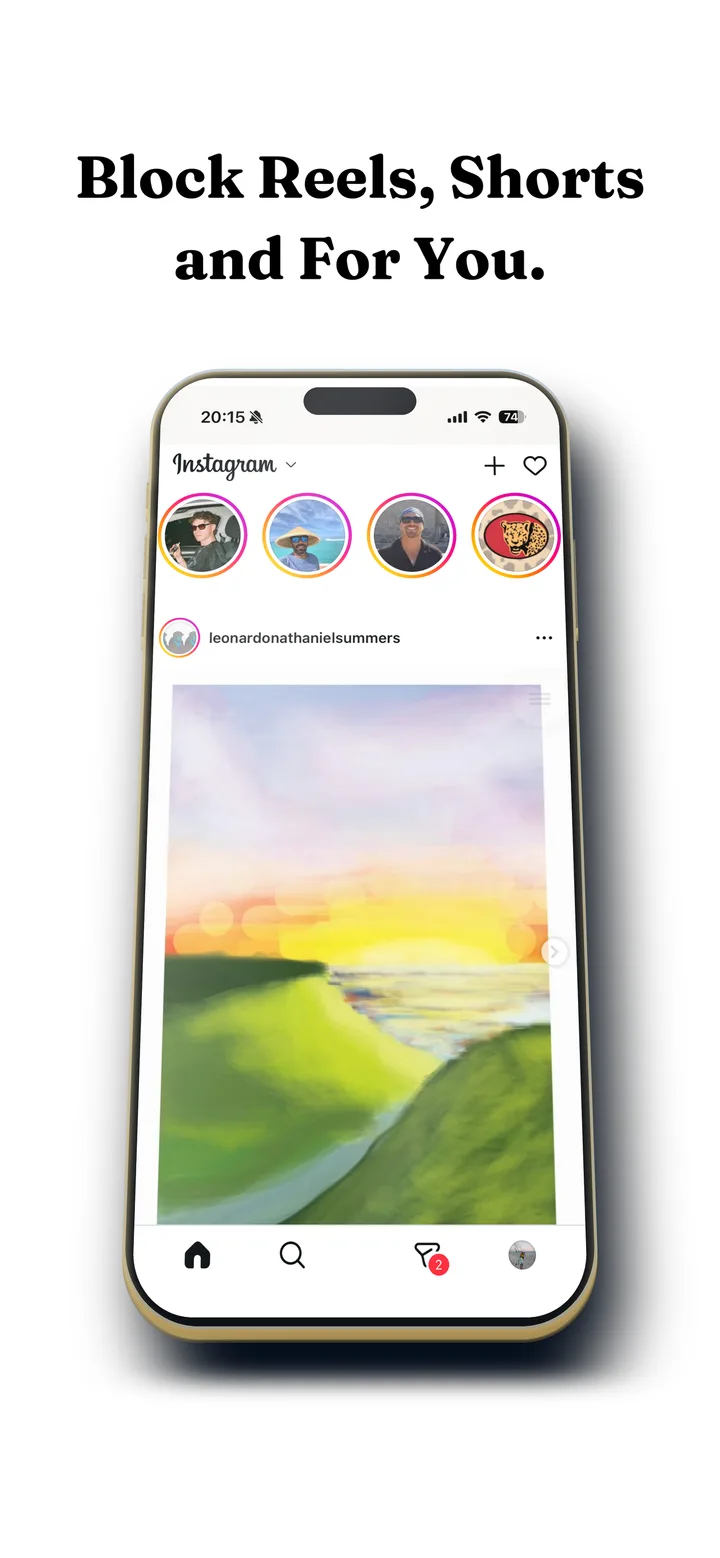
Instagram will not let you turn Reels off, so everyone who wants Instagram without the endless video feed ends up looking for an app to block Instagram Reels. There are now a lot of them, the store listings all promise the same thing, and most "best of" lists are written by one of the apps on the list.
So is this one, which you should factor in. We build Fluid Friction. Below is every option worth considering on Android and iPhone, with prices taken from the stores, including the apps that compete with us directly.
What a Reels blocker does, and what it keeps
Every app here does the same basic job. Reels goes, the rest of Instagram stays.
- Stays: DMs and group chats, Stories, posting, your profile, search, and the feed of people you follow.
- Goes: the Reels tab and the endless vertical feed behind it.
- Varies by app: Explore, suggested posts, ads, reels inside your home feed, and whether a reel a friend sends you can still swipe to the next one.
On Android, these apps work inside Instagram's real app, closing the Reels screen the moment it opens. The step by step version is in how to block Instagram Reels on Android. On iPhone, Apple does not let one app change another, so every Reels blocker, ours included, opens Instagram in its own browser with Reels removed. That walkthrough is in how to block Instagram Reels on iPhone.
Before you install any of them, check three things: whether the free version shows ads, whether the price is a subscription or a one time purchase, and whether a reel a friend sends you still swipes on to the next one.
Reels blockers on Android, compared on price
- Fluid FrictionThis guideFreeEvery blocking tool included, no ads. Optional subscription is cosmetic.Keeps the rest of the appBlocks Reels, plus friction on every swipe
- NoScrollFree with adsLifetime $29.99 with fewer ads, or $69.99 ad freeKeeps the rest of the appBlocks or time limits short video feeds
- ScrollGuardFreeOptional premium extrasKeeps the rest of the appBlocks short video feeds in the real apps
- SocialLiteFreePro through in-app purchaseKeeps the rest of the appBlocks feeds, suggestions and ads
- ScreenZenFreePaid extras $4.99 to $19.99Keeps the rest of the appPause before opening
- AppBlockFree for 3 appsPremium $0.99 to $119.99Keeps the rest of the appBlocks feeds on a schedule
- one secFree for one appPro $3.99 to $99.99Keeps the rest of the appBreath before opening
Fluid Friction closes Reels and separately adds friction to every swipe, so reels inside your home feed also stop being free to scroll. Every blocking tool is free, with no ads and no account; it is free on Google Play.
NoScroll is the most installed app in this list, with more than a million downloads. It blocks short video feeds across many apps, or limits them to timed sessions. The free version shows ads; a lifetime purchase removes them.
ScrollGuard blocks short video feeds inside the real apps, keeps the core features free, and runs on iPhone too.
SocialLite removes short video feeds, suggestions and ads, and is on both Android and iPhone, with a Pro upgrade.
ScreenZen, AppBlock and one sec are broader screen time apps that can also block Reels. ScreenZen and one sec pause you before an app opens, and AppBlock blocks the feed on a schedule.
Reels blockers on iPhone, compared on price
- Fluid FrictionThis guideFreeEvery blocking tool included. Optional Pro is cosmetic only.Keeps the rest of the appOwn browser, plus friction on every swipe
- SocialLiteFree tierPro $3.99 to $17.99 a monthKeeps the rest of the appOwn browser for seven social apps
- ScrollGuardFreeOptional premium extrasKeeps the rest of the appRemoves short video feeds
- DullSubscription$3.99 a month or $14.99 a year after a trialKeeps the rest of the appOwn browser that strips Reels
- Screen TimeBuilt inPart of iOSWhole app onlyLimits the whole app
Fluid Friction hides the Reels tab and stops reels from swiping to the next one inside its own browser, and adds friction to the scroll on the feed that is left. Every blocking tool is free; the optional Pro subscription only adds cosmetic extras.
SocialLite takes the same browser approach across seven apps, with a free tier and Pro from $3.99 a month. We compare the two directly in SocialLite alternative.
ScrollGuard removes short video feeds on iPhone too, with the core free. Dull is a browser built around stripping short form video, with a subscription after a short trial. Screen Time is free and built in, but it limits Instagram as a whole, so your DMs go with Reels.
The part most Reels blockers leave alone
Blocking the Reels tab solves the Reels tab. The pull that remains is the home feed, which still moves for free with one flick and is full of reels itself. That is what Fluid Friction was built for: each swipe drags through on screen fluid, and past a threshold a bubble has to rise off the screen before the feed moves.
If the Reels tab was the only problem, any app above will do. If you also lose the evening to the home feed, friction is the piece the others do not have. The longer argument is in why app blockers don't work.
Which app to block Instagram Reels fits you
| You want | Pick |
|---|---|
| Free, no ads, on Android and iPhone | Fluid Friction or ScrollGuard |
| The most installed option on Android | NoScroll |
| Ads and suggestions removed as well | SocialLite |
| A pause before Instagram opens at all | one sec or ScreenZen |
| Open source, on Android | FocusGram |
| The home feed slowed down as well | Fluid Friction |
| Instagram gone entirely | Screen Time on iPhone, or an app block on Android |
Common questions
Is there a free app to block Instagram Reels?
Yes, several. Fluid Friction and ScrollGuard are free on Android and iPhone, NoScroll is free with ads on Android, and SocialLite, ScreenZen and AppBlock have free tiers. All of them keep your DMs working.
Which app blocks Instagram Reels but not messages?
All of the Reels blockers on this page keep Direct Messages. On Android they close only the Reels screen inside Instagram; on iPhone they open Instagram in their own browser with Reels hidden and the inbox still there.
Can an app remove Reels from the Instagram app on iPhone?
Not from inside Instagram's own app, because Apple does not let one app change another. iPhone Reels blockers open Instagram's website in their own browser with Reels hidden, and you use that instead of the native app.
Do Reels blockers get my Instagram password?
They should not. On iPhone you sign in on Instagram's own page inside the in-app browser, and the session stays on your device. On Android you stay in Instagram's real app, so the blocker never sees your login.
Which Reels blockers work on both Android and iPhone?
Fluid Friction, ScrollGuard and SocialLite all run on both. NoScroll and FocusGram are Android only, and Dull is iPhone only.