Choosing a tool
Free SocialLite Alternative: Block Reels Without a Subscription
SocialLite removes Reels, Shorts and other feeds while keeping your messages, but its Pro subscription runs from $3.99 to $17.99 a month or up to $99.99 a year, and it does not publish exactly what Pro adds. A free SocialLite alternative is Fluid Friction, where every blocking tool is free on iPhone and Android, with no account and no ads.
On this page (6 sections)
SocialLite has earned its reputation. It removes the endless video feeds from the social apps people struggle with and leaves the parts they actually use, on both iPhone and Android, with strong reviews on each store. If it works for you, keep it.
The most common reason people look for a SocialLite alternative is the price. SocialLite Pro is a subscription, from $3.99 to $17.99 a month or $47.90 to $99.99 a year, with family plans on top, and SocialLite does not publish a plain list of what the subscription adds. Some users say the free version works but is less convenient, and others say they had to pay to get it working the way they wanted. The other reasons are that removing Reels did not stop them losing the evening to the feed that was left, or that they want a different method altogether. This page covers the real options. We build one of them, Fluid Friction, so read it as interested rather than neutral.
SocialLite alternatives at a glance
- Fluid Friction. iPhone and Android, free with no ads and no account. Blocks Reels, Shorts, For You and Spotlight, and makes every swipe on the remaining feed cost a little effort.
- ScrollGuard. iPhone and Android, free core with optional premium extras. Removes short video feeds while keeping DMs and stories.
- Spool. iPhone only, $44.99 a year or $4.99 a week. A filtered browser plus a short spoken check in before you open an app.
- snowscroll. iPhone only, $49.99 a year or $9.99 a month. A filtered browser for six social apps.
- one sec. iPhone and Android. A breathing pause before an app opens rather than feed removal; see the one sec alternative guide for how that compares.
What SocialLite does well
Credit where it is due, because a comparison that finds nothing good in the other app is not a comparison.
- A clean idea, executed well. Short form feeds, algorithmic suggestions, Explore pages, live streams and shopping tabs are removed, while messages, profiles you visit and content friends send you stay. A reel a friend sends plays once and will not swipe to the next one.
- Both phones, and more. It runs on Android and iPhone, plus iPad and Apple silicon Macs, across apps including Instagram, YouTube, TikTok, Snapchat, Reddit, X and Facebook.
- Ads and sponsored posts removed, which Fluid Friction does not do on iPhone beyond hiding Instagram story ads.
- Family plans, if you are setting this up for several people.
- Strong reviews on both the App Store and Google Play.
Why people look for a SocialLite alternative
They do not want a subscription for a blocker. SocialLite has a usable free tier, with Pro from $3.99 to $17.99 a month and yearly plans up to $99.99, and the store listings do not spell out which features need it. Fluid Friction keeps every blocking and friction tool free and says so on the record: the optional subscription only changes how the app looks, with themes and dark mode.
Removing Reels was not enough. Hiding the Reels tab is the first step, and a good one. The home feed is still an infinite column that moves for free with one flick, and for many people that is where the evening goes. That is the problem friction solves, laid out in why app blockers don't work.
They want more than feed removal. Some people want schedules, a focus timer, or a physical tag that switches the rules on, rather than one fixed filter.
Whichever you try, check the same few things first:
- What the free version leaves out, since several of these apps put convenience or extra apps behind a subscription.
- Whether the price is weekly, monthly, yearly or lifetime, because the totals differ more than the headline numbers suggest.
- What happens to the feed that remains once Reels and Shorts are gone.
What Fluid Friction does differently
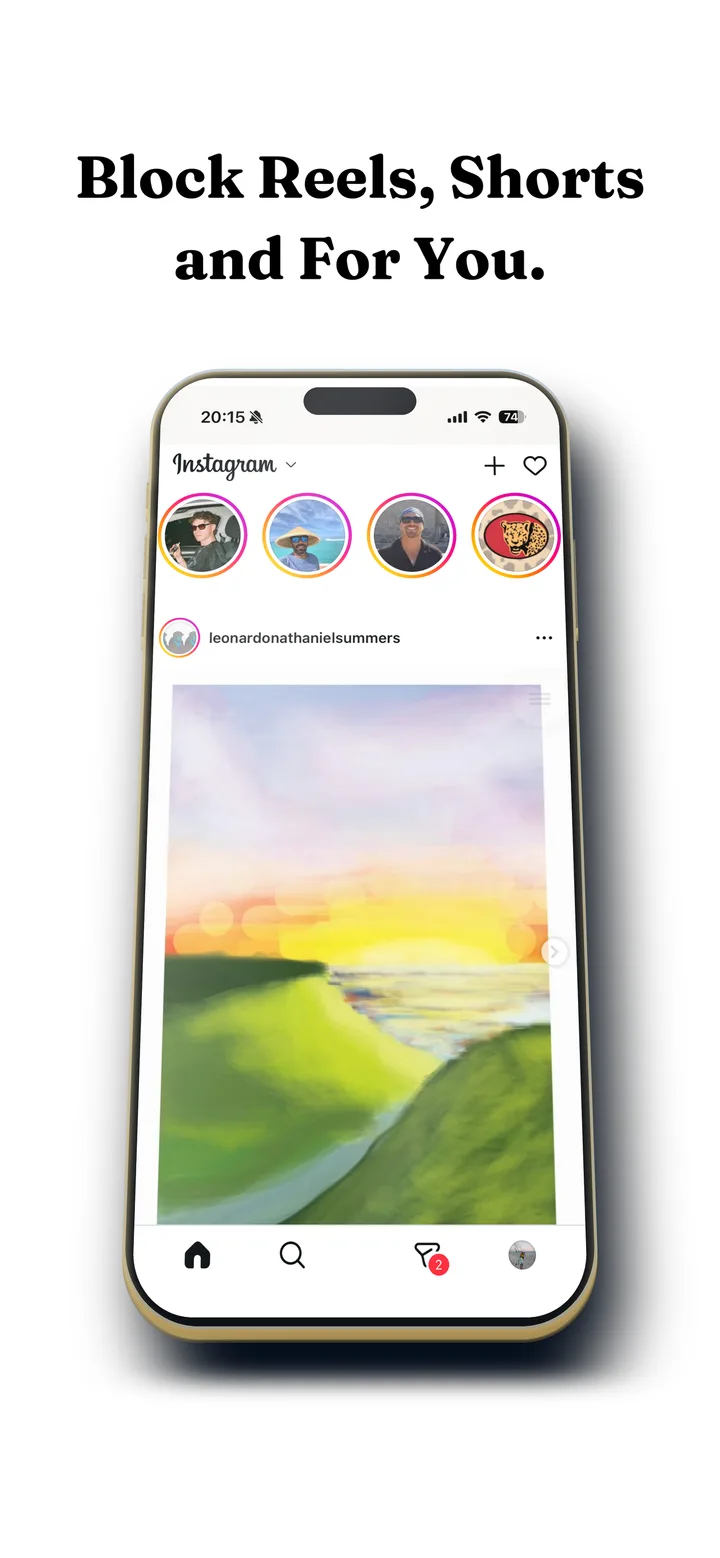
On iPhone, Fluid Friction works like SocialLite at the core: Instagram, TikTok, YouTube, Reddit, X, Snapchat, Facebook and LinkedIn open in its own browser, where Reels, Shorts, For You, Explore and Spotlight can be switched off while DMs and search keep working. On Android it closes those feeds inside the real apps. On both, every scroll can carry friction: each swipe drags through on screen fluid, and past a threshold a bubble has to rise off the screen before the feed moves.
Around that, all free: a calm block screen for whole apps that shows how many opens you have left today, time based schedules, a focus timer, and NFC profiles that switch with a tap of any tag you already own. It is free on Google Play and on the App Store. The mechanics are in how scroll friction works.
SocialLite vs Fluid Friction, side by side
- Fluid FrictionThis guideFreeEvery blocking tool included. Optional Pro is cosmetic only.Keeps the rest of the appOwn browser, plus friction on every swipe
- SocialLiteFree tierPro $3.99 to $17.99 a monthKeeps the rest of the appOwn browser for seven social apps
- ScrollGuardFreeOptional premium extrasKeeps the rest of the appRemoves short video feeds
- DullSubscription$3.99 a month or $14.99 a year after a trialKeeps the rest of the appOwn browser that strips Reels
- Screen TimeBuilt inPart of iOSWhole app onlyLimits the whole app
| SocialLite | Fluid Friction | |
|---|---|---|
| iPhone and Android | Yes | Yes |
| Mac | Yes, Apple silicon | No |
| Removes Reels and Shorts | Yes | Yes |
| Friction on the remaining feed | No | Yes, on every swipe |
| Ads and sponsored posts | Removed | Instagram story ads only |
| Blocking tools | Free tier, Pro from $3.99 a month | All free |
| Family plan | Yes | No |
Common questions
Is SocialLite free?
SocialLite is free to download with a free tier on iPhone and Android, but its Pro subscription costs $3.99 to $17.99 a month or $47.90 to $99.99 a year, plus family plans. Fluid Friction is a free alternative where every blocking tool is included without a subscription.
How much does SocialLite Pro cost?
On the App Store, SocialLite Pro is listed at $3.99, $6.99, $9.99 or $17.99 a month and $47.90 or $99.99 a year, with family plans at $12.99 a month or $119 a year. SocialLite does not publish a full list of what Pro adds.
Is SocialLite safe?
SocialLite says it stores your settings on your device rather than its servers, and on iPhone you sign in to each social app on that app's own page. As with any blocker, check the privacy section of the store listing before installing.
Is SocialLite on Android?
Yes. SocialLite is on Google Play as well as the App Store. On Android it blocks feeds inside the real apps, the same way Fluid Friction's Feature Blocking does.
What is the best free alternative to SocialLite?
Fluid Friction and ScrollGuard are both free on iPhone and Android. Fluid Friction also adds friction to the feed that remains, along with schedules and NFC profiles, while ScrollGuard focuses on removing short video feeds.
Can I use SocialLite and Fluid Friction together?
You can, though most people pick one to replace the native apps, since the point is to make that one the easy path. On Android the two can overlap, so turn off the same feed in only one of them.