Choosing a tool4 min read
Free Screen Time Apps: Which Are Actually Free, and Which Work
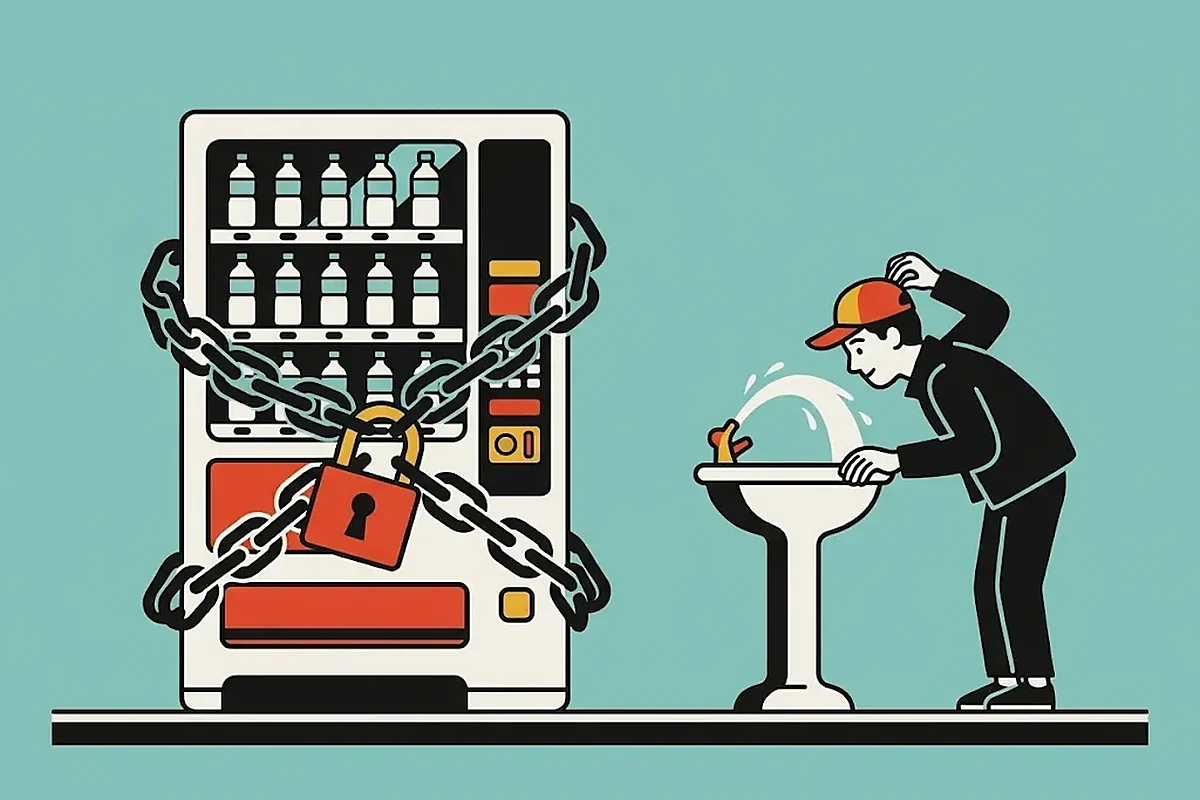
Most free screen time apps are free to download and paid to use: a free tier of one or three apps, then a subscription. Truly free options are Apple Screen Time, Android's Digital Wellbeing, ScreenZen and Fluid Friction, which has every blocking tool, feed blocking and a friends leaderboard free on iPhone and Android.
On this page (7 sections)
Search for free screen time apps and you get apps that are free to download. That is not the same thing. Most give you one app, or three, or a seven day trial, then a yearly plan.
So this list sorts them by what is free once you are past the first screen. Prices come from each app's own store listing or website, checked in October and November 2026. We build one of the apps, Fluid Friction, so read it as interested rather than neutral. The prices are checkable either way.
Free screen time apps compared on what is free
| App | Phones | What is free | What costs money |
|---|---|---|---|
| Apple Screen Time | iPhone | Everything | Nothing |
| Digital Wellbeing | Android | Everything | Nothing |
| Fluid Friction | iPhone and Android | Every blocking tool, feed blocking, friction, alarm, friends leaderboard | Optional cosmetic Pro |
| ScreenZen | iPhone and Android | The pause, limits and strict blocks | Optional tips and extras |
| one sec | iPhone and Android | One app | Pro, $3.99 to $99.99 on Google Play |
| Clearspace | iPhone and Android | One app | Premium, $6.99 a month or $44.99 a year on the App Store |
| AppBlock | iPhone and Android | Up to three apps per block | Premium, $4.99 to $14.99 a month on the App Store |
| ScrollGuard | iPhone and Android | Core feed blocking | Pro extras |
| BePresent | iPhone and Android | Basic blocking and tracking | Leaderboards and more, from $6.99 a month |
| Opal | iPhone and Android | Limited | Most features need a plan |
| SocialLite | iPhone and Android | Nothing for new users | Subscription, $9.99 a month or $29.99 a year |
Before you install any screen time app, check three things:
- What the free version leaves out. One app, three apps or a trial are the usual limits.
- The billing period. Weekly, monthly and yearly totals differ more than the headline price suggests.
- Whether it needs an account. Some apps ask for one before they block anything.
Built in and free: Apple Screen Time and Digital Wellbeing
Both are already on your phone, cost nothing and have no ads. They measure well and can set a daily limit per app.
Where they stop working. A limit you set is a limit you can lift, and on iPhone "Ignore Limit" is one tap away. Neither removes a single feed: you can limit Instagram, but not keep DMs and lose Reels. Neither compares you with friends. If Apple's numbers look wrong, see iPhone Screen Time not working.
Use them for one week of honest data before you try anything else.
Free, with a catch
Good apps. The catch is the free tier.
- one sec. A breathing pause before an app opens. Free for one app. See the one sec alternative.
- Clearspace. A pause with small challenges. Users report the free plan covers one app.
- AppBlock. Strong scheduled blocking for apps and websites. The free plan caps a quick block at three apps.
- ScrollGuard. Removes short video feeds, free core, optional Pro.
- BePresent. Gamified blocking with rewards. Leaderboards are Premium. See the free BePresent alternative.
Pro for most controls: Opal and SocialLite
Opal is polished blocking with focus sessions and reports; most of what makes it useful sits behind a plan. Details in the Opal alternative for iPhone.
SocialLite removes Reels, Shorts and other feeds while keeping messages. New users now need a subscription before it blocks anything, $9.99 a month or $29.99 a year in the US. Details in the SocialLite alternative.
Free screen time apps that actually work
"Works" means it still changes what you do in week three, when the novelty is gone. Three things last that long:
- Removing the feed, not the app. Blocking Reels or Shorts while DMs keep working costs you nothing you need, so you keep it on.
- Resistance at the moment you scroll. A pause at the door wears off. Friction on each swipe comes back every time; see friction vs blocking.
- Other people. A number your friends can see is harder to ignore.
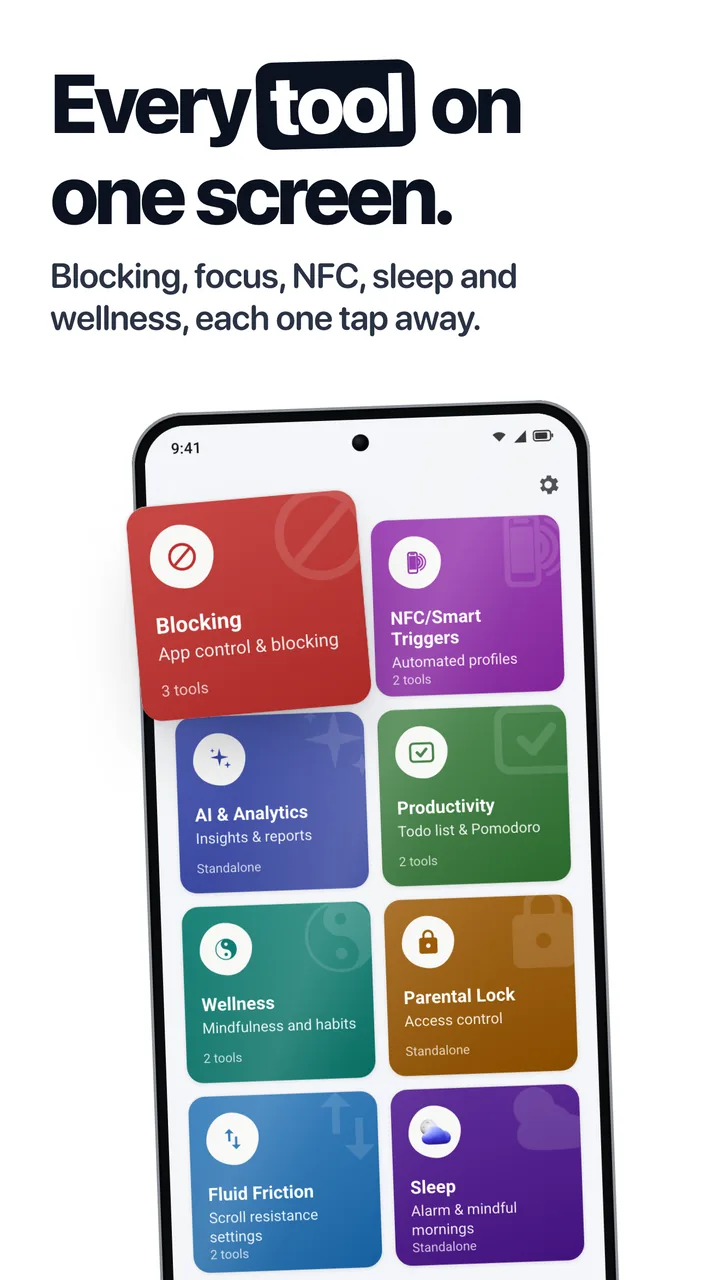
Fluid Friction does all three, free on Google Play and on the App Store. On iPhone its own browser opens Instagram, TikTok, YouTube, Reddit, X, Snapchat, Facebook and LinkedIn with Reels, Shorts, For You, Explore and Spotlight off and DMs working. On Android it closes those feeds inside the real apps. On both, every swipe can carry friction, and Friends & Leaderboard ranks your week against friends on either phone.
iPhone or Android?
On iPhone, every app, Apple's included, blocks apps through Apple's own Screen Time, so blocking strength is close to identical. Price and what sits around the blocking are what differ.
On Android, apps can do more: close a feed inside the real app, or slow scrolling directly. For Android blockers grouped by how each fails, see free app blockers for Android.
Fluid Friction Pro, the optional subscription, adds themes, looks and unlimited cloud AI. It does not unlock any blocking tool, the alarm or Friends.
Common questions
Are there screen time apps that are completely free?
Yes. Apple Screen Time and Android's Digital Wellbeing are free and built in. ScreenZen and Fluid Friction are free apps on both phones; Fluid Friction includes every blocking tool, feed blocking and a friends leaderboard, with an optional cosmetic subscription.
What is a free screen time app for iPhone?
Apple Screen Time is built in. Fluid Friction is a free app that adds feed blocking for Reels and Shorts in its own browser, app blocking, friction on scrolling and a friends leaderboard. ScreenZen is free and adds a pause before apps open.
What is a free screen time app for Android?
Digital Wellbeing is built in. Fluid Friction is free and closes feeds like Reels and Shorts inside the real apps, slows every swipe, and includes a friends leaderboard. ScreenZen is also free on Android.
Why are most screen time apps not really free?
Most use a free tier that covers one to three apps or a short trial, then ask for a subscription. Check what the free version leaves out and whether the price shown is weekly, monthly or yearly before you set it up.
Do free screen time apps actually work?
They work when they change the moment you scroll, not only the report afterwards. Removing a feed you overuse, adding friction to each swipe, and sharing your number with friends keep working after the first weeks.
 Free App Blockers for Android, Compared by How They FailFree app blockers for Android compared on real prices and on how each one fails: trackers, hard blockers, pause screens, feed blockers and friction.
 Free Opal Alternative for iPhone: Every Tool Free, No AccountLooking for a free Opal alternative for iPhone? Opal puts its most useful features behind a paid plan. Compare the options, and one where every tool is free.
 Free BePresent Alternative: Friends Leaderboard Without ProLooking for a free BePresent alternative? BePresent puts leaderboards behind Pro. Compare the options, and one where friends and blocking are free.