On an iPhone? This guide is for Android. Read the iPhone guide
How friction works5 min read
A Free NFC Alarm Clock for Android That Gets You Out of Bed
An NFC alarm clock for Android only turns off when you hold your phone to a tag you placed away from your bed, so stopping it means getting up. Fluid Friction does this for free with a blank NFC sticker, and it can keep your feed apps paused through the night and for a while after you wake.
On this page (7 sections)
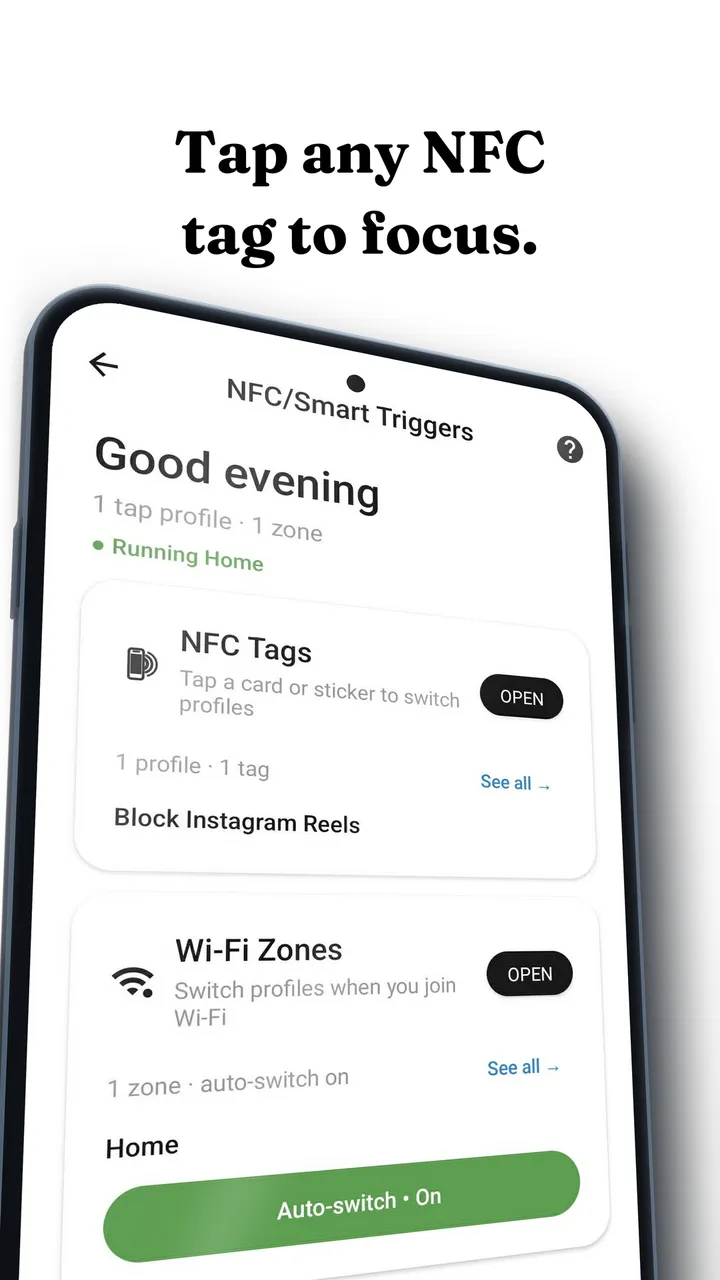
Every alarm has the same weak point: the button that stops it is in your hand, in bed. An NFC alarm clock for Android moves that button across the room. The alarm rings until you hold your phone to one particular tag, and the tag is stuck somewhere you have to walk to.
Android has been able to do this for years, and there are several apps that offer it. Fluid Friction adds the part that comes after: what your phone does once you are standing up, which for most people is opening a feed.
How an NFC alarm clock for Android works
Every NFC tag has an ID. When you link a key, Fluid Friction reads that ID once and stores it. When the alarm rings, the ringing screen waits for that same ID, and with an NFC key gate, the on screen buttons and the back button cannot end it.
The app only reads the tag, so any blank sticker works without programming. One thing to know before you shop: bank cards, transit cards and phones report a different ID every time they are scanned, so they can never be recognised as a key. Fluid Friction tells you at once if you try one. A blank NTAG213, NTAG215 or NTAG216 sticker is the safe choice, and they come in packs of ten.
Your phone needs NFC, of course. Most mid range and flagship Android phones have it. Look for NFC in your quick settings, or search for it in Settings.
Why the tag has to be far away
The whole method depends on distance. If the tag is on the bedside table, within a week you will tap it with your eyes shut and fall back asleep. Put it somewhere that makes you stand, walk and turn on a light:
- The bathroom mirror. You are at the sink, so you may as well start.
- The kettle or coffee machine. The walk ends at breakfast.
- Inside the front door. Good for an early run or a commute.
A second effect is less obvious. Getting up with no phone in your hand to swipe is the moment the day can start differently. That is why the rest of this alarm is about the next half hour.
How to set up an NFC alarm clock on Android
Have a blank NFC sticker ready and stick it in place only after you have tested it.
Install Fluid Friction and open Sleep & Alarm
Get Fluid Friction free on Google Play. In the Tools tab, choose Sleep & Alarm. If Android asks to allow full screen alerts, allow it, so the alarm can show over the lock screen.
Create an alarm
Set the time and the days it repeats. New alarms start with snooze off.
Choose NFC key as the way it turns off
Under how it turns off, pick "NFC key", or "NFC key (Strict)" if you want no fallback at all.
Link your key
Tap "Link your key" and hold the back of your phone to the sticker. Name it, for example "Bathroom". If the app says the tag reports a new ID every scan, use a different tag.
Stick the tag somewhere you have to walk
Put it in another room if you can. Then set a test alarm for two minutes from now and turn it off with the tag, so the first real ring is not the first time.
Normal key, Strict key, and the other ways
The editor gives you five ways for an alarm to turn off, and you can choose per alarm:
| Option | What turns it off |
|---|---|
| NFC key | Your tag. Lose it, and a long typed phrase works instead |
| NFC key (Strict) | Only your tag, apart from a much longer emergency sentence |
| Math challenge | One to five arithmetic problems |
| Type a sentence | Transcribing a long scrambled sentence |
| Just an alarm | One tap |
The typed fallbacks are long on purpose. The point is that walking to the tag is easier than typing your way out, so you walk. The emergency sentence exists so nobody is ever stuck with a broken or lost tag. The challenges are there for nights away from home, when your tag is on a mirror in another city.
Evening Guard and Morning Guard
This is where Fluid Friction differs from a plain NFC alarm app. It is a screen time app first, built on friction on the scroll, and the alarm is designed around the two times of day when scrolling is hardest to stop.
- Evening Guard. When the night starts, your chosen apps pause until you wake. Late night feeds are the usual reason the morning is hard, as covered in why you scroll at night.
- Morning Guard. After you turn the alarm off, the same apps stay paused for a while, 30 minutes unless you change it. You get to the kettle before you get to Reels.
Both are switched on per alarm, and both use the accessibility service that Fluid Friction already uses for its other blocking. Neither is on until you turn it on.
Already use a tag to block apps with a tap? Tags are cheap, so give the alarm its own one in a different room. A key on your desk does not get you out of bed.
What it costs, and other NFC alarm apps
The alarm, the NFC key, the challenges and both guards are free in Fluid Friction, with no account. Fluid Friction Pro is optional and covers cosmetics such as themes. Nothing about the alarm sits behind it.
There are other good NFC alarm apps on Android, including a free open source one, and if all you want is a tag that stops an alarm, any of them will do. Pick Fluid Friction if the phone itself is the problem, and you want the alarm to lead into a morning that does not start in a feed. For more tools in the same spirit, see our list of free app blockers for Android.
Common questions
Can I turn off an Android alarm with an NFC tag?
Not with the built in clock app. A third party app like Fluid Friction can: link a tag as the alarm's key, and the ringing screen stays until you tap your phone on that tag.
Which NFC tags work as an alarm key?
Blank NFC stickers or tags, such as NTAG213, NTAG215 or NTAG216. Bank cards, transit cards and phones give a new ID on every scan, so they cannot be recognised as a key, and the app warns you if you try one.
Does the back button stop the alarm?
No. With an NFC key gate, back is ignored on the ringing screen. Only the tag turns it off, or in Normal mode a long typed phrase if the tag is lost.
What if I lose the NFC tag?
With a Normal NFC key, type the long fallback phrase. With Strict, there is a much longer emergency sentence, so a lost tag never traps you. Then link a new tag from the alarm editor.
Is the Fluid Friction alarm free on Android?
Yes. The alarm, NFC keys, challenges, Evening Guard and Morning Guard are free, with no account. The optional Pro subscription covers cosmetics such as themes.
Is there an iPhone version?
Yes. On iPhone the key can also be a QR code or product barcode. That version has its own guide: the NFC alarm clock for iPhone.