Why scrolling wins4 min read
A 30 Day Screen Time Challenge You Can Do With Friends
A screen time challenge works when it changes one thing a week, scores a weekly average instead of each day, and has someone else watching. This 30 day plan starts by measuring, then removes the worst feed, then moves the phone out of the bedroom, and runs on a free friends leaderboard in Fluid Friction on iPhone and Android.
On this page (7 sections)
Most screen time challenges are over by day four. You aim for one hour a day, miss it on Tuesday, and by Friday the challenge is something you used to do.
The goal was not the problem. The plan was: it asked for the whole change on day one and judged you on your worst day. This one makes one change a week, scores the weekly average, and puts your friends on the same board.
The 30 day screen time challenge, week by week
Week 1: measure, change nothing
Note last week's daily average: Settings, then Screen Time on iPhone, Digital Wellbeing on Android. Live a normal week and see where the hours go. The only goal is an honest starting number.
Week 2: remove the one feed that eats the most
Usually Reels, Shorts or the TikTok For You page. Remove that feed and keep what you need, like DMs: see Instagram Reels on iPhone or YouTube Shorts. This single change moves the number more than any limit.
Week 3: get the phone out of the bedroom
The last hour of the night and the first of the morning are where scrolling runs longest. Charge it outside the bedroom, or use an alarm you stop by tapping a tag in another room. Why it matters: why you scroll at night.
Week 4: make the rest of the scrolling cost something
Slow the feeds that remain. Friction on each swipe, a pause before an app opens or a daily open limit all put a moment of choice back where the habit used to be.
Day 30: compare averages, not best days
An hour a day less is about 365 hours a year, more than two weeks of waking time.
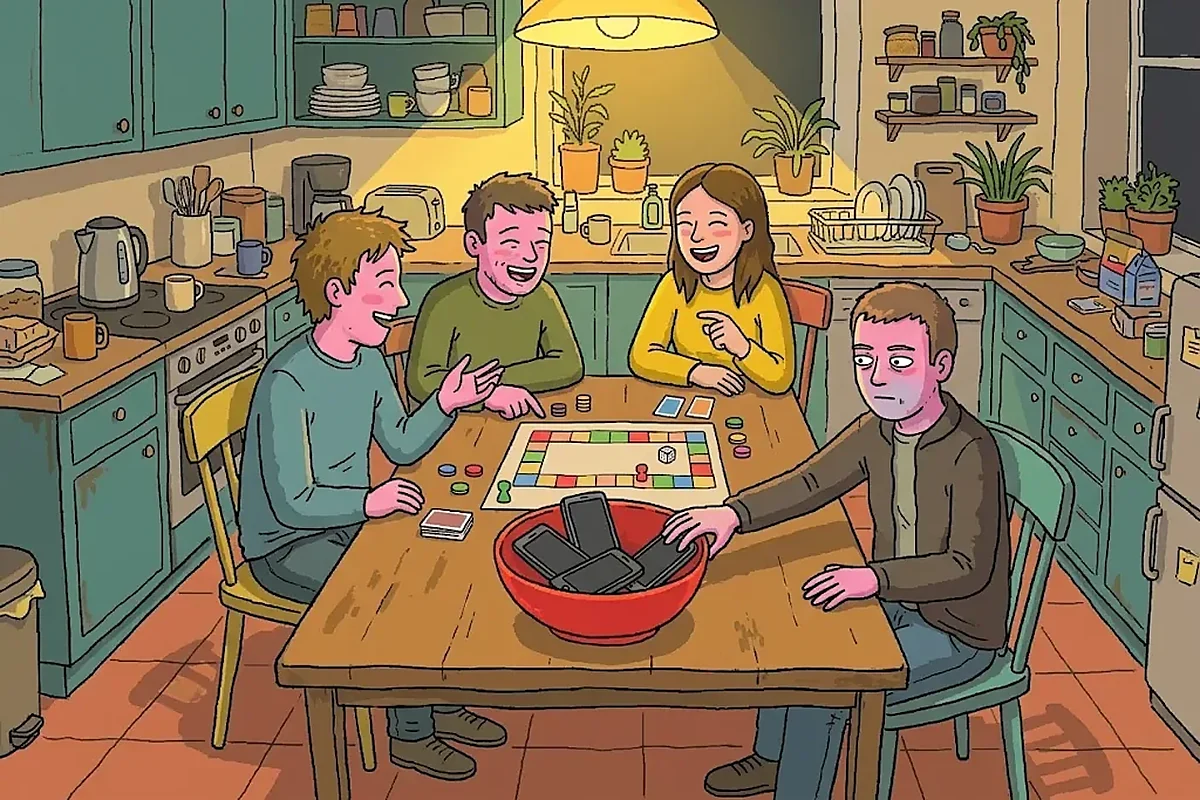
How to do a screen time challenge with friends
Agree three things before day one:
- The score. Average daily screen time over the week. Not the best day, not total hours.
- The app. Everyone uses the same one, so nobody argues about whose number counts.
- The stake. Small and social. The highest average picks the film.
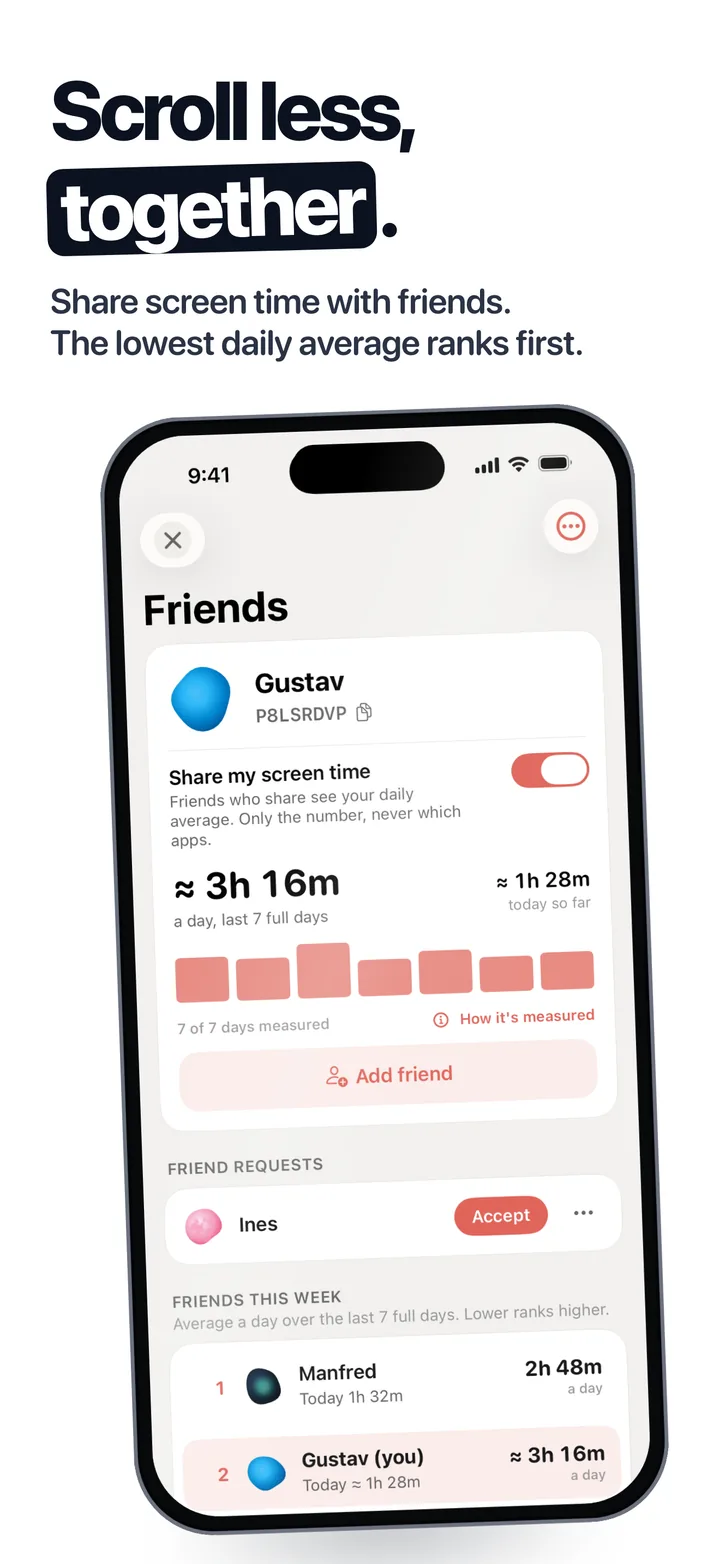
In Fluid Friction, free on Google Play and on the App Store, each person turns on Share my screen time and adds the others with an 8 character friend code. The board ranks the week's average, lowest first, across iPhone and Android. Totals are shared, never which apps. On iPhone a weekly crew goal, such as everyone under 3h a day, turns the race into a team effort. Full setup: screen time competition with friends.
Why most screen time challenges fail
- The target is a number you have never hit. Six hours to one is not a challenge, it is a different life. Step down from where you are.
- Every day is pass or fail. One long flight breaks the streak, and a broken streak feels like permission to quit.
- Willpower is the only tool. The apps are built to win that fight, as why app blockers don't work explains. Changing the phone beats trying harder.
- Nobody else knows. A private challenge is easy to drop quietly.
Make it a New Year's resolution that lasts
In the US, Google searches for how to reduce screen time climbed steeply through January and February 2026. Resolutions fail for the same reasons challenges do, and the fix is the same.
- Start a week before January 1. Make the last week of December your week one, so the year starts with a real number.
- Pick a direction, not a perfect number. "Lower than last month" survives a bad week. "One hour a day" does not.
- Put it on a board. A resolution your friends can see is harder to drop.
Your 30 day checklist
Copy this into your notes, or into the group chat:
- Day 1: write down last week's daily average.
- Day 1: everyone shares their screen time and swaps friend codes.
- Day 8: remove the one feed that eats the most time.
- Day 15: the phone charges outside the bedroom from tonight.
- Day 22: friction or a pause on the feeds that remain.
- Every Sunday: look at the board together, once.
- Day 30: compare your weekly average with day 1.
What to expect after 30 days
The number usually falls in week two, when the worst feed goes, then creeps back a little. That is normal. The point is a new default that holds without effort.
In Fluid Friction's beta, testers went from 7.1 hours of screen time a day to 3.2. That is one group of testers, not a promise, but it shows what is possible when the phone changes and not only the plan. More ways to cut down: how to reduce screen time.
Common questions
What is a good screen time challenge?
One that changes a single thing each week and scores your weekly average rather than each day. Measure in week one, remove your worst feed in week two, move the phone out of the bedroom in week three and add friction in week four.
How do I do a screen time challenge with friends?
Agree on the score, the app and the stake first. Then each person installs the same app with a leaderboard. In Fluid Friction, turn on Share my screen time and add each other with a friend code.
How much should I cut my screen time in a challenge?
Aim for a step down from your real starting number rather than a fixed target. Cutting your weekly average by an hour a day is a meaningful result, about 365 hours over a year.
Is there a free app for a screen time challenge?
Fluid Friction is free on iPhone and Android. It measures screen time, ranks you against friends on a weekly leaderboard, blocks feeds like Reels and Shorts, and adds friction to the scrolling that is left.
When should I start a screen time New Year's resolution?
A week before January 1. Use that week to measure your normal screen time, so the year starts with a real number and the first change already planned.
 Screen Time Competition With Friends: A Free LeaderboardStart a screen time competition with friends on iPhone and Android: a free leaderboard, fair rules, and what each app can and cannot measure.
 How to Reduce Screen Time: 10 Changes That Actually StickHow to reduce screen time without deleting your apps: ten changes ranked by how many hours they save, with the exact iPhone and Android settings.
 How to Stop Doomscrolling: 7 Steps That Work on Your PhoneHow to stop doomscrolling without deleting your apps: seven steps that change your phone, not your willpower, plus a free setup made for how you scroll.