How friction works4 min read
Screen Time Competition With Friends: A Free Leaderboard
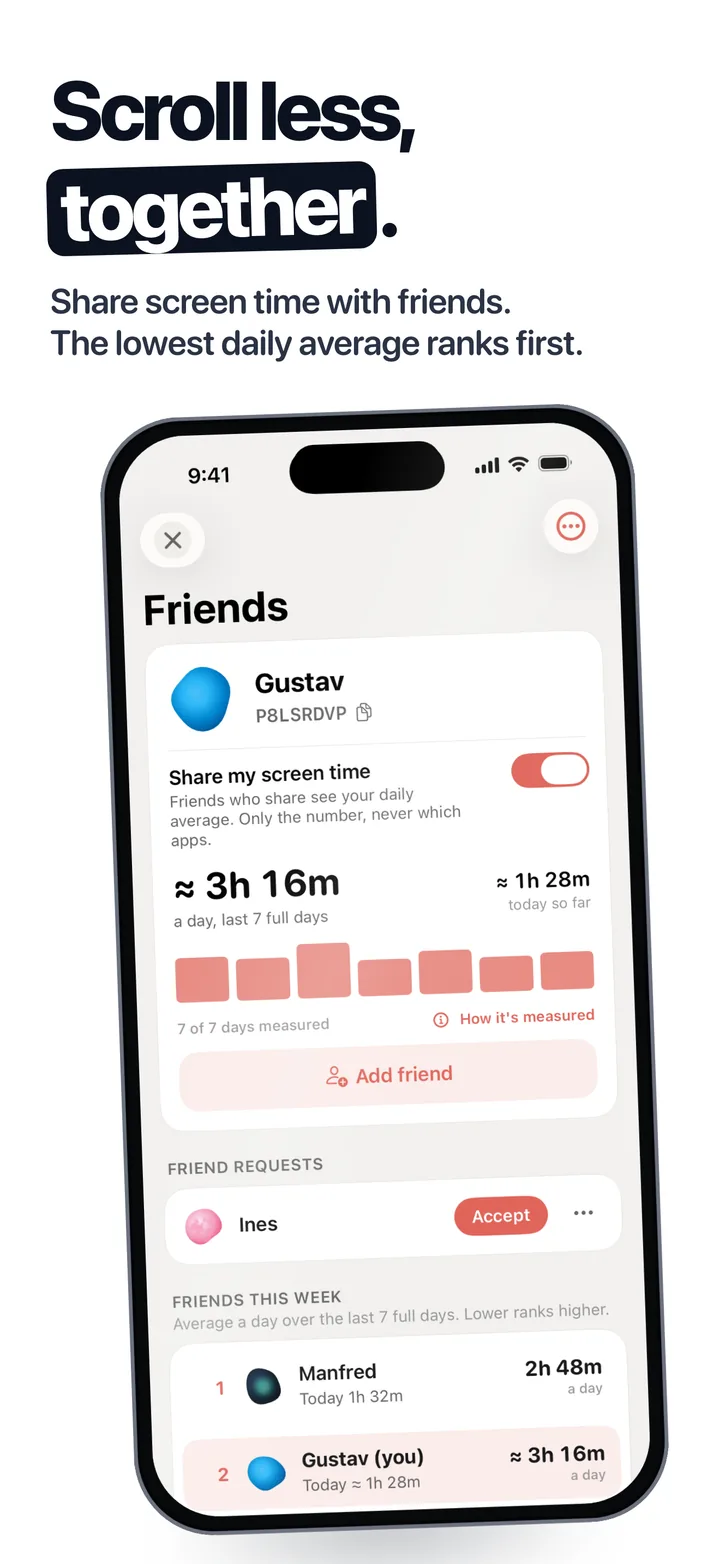
A screen time competition with friends works when everyone uses the same app, the score is a weekly average, and only the total is shared. Fluid Friction does it free on iPhone and Android: add friends with a code, and a leaderboard ranks the week, lowest daily average first, across both kinds of phone.
On this page (8 sections)
Most people who cut their screen time for good had someone watching. A screen time competition with friends turns that into a habit: one score, once a week, and friends who will notice if yours goes up.
The hard part is measuring it. iPhone cannot show your Screen Time to anyone else, and Android's Digital Wellbeing has no friends at all. Here is the setup that works on both, in about five minutes.
How to start a screen time competition with friends
Each person in the group does the first three steps.
Install Fluid Friction
Free on the App Store and on Google Play. Open Friends & Leaderboard: in the Tools tab on iPhone, in its own Friends tab on Android. It is for ages 16 and up.
Turn on Share my screen time
Pick the nickname your friends will see, then switch sharing on. On iPhone, choose All Apps & Categories when asked, so the whole phone is measured.
Swap friend codes
Every member has an 8 character code, plus a link and a QR code. Send yours to the group chat, or tap Add friend and enter theirs. Up to 25 friends.
Agree the stake before Sunday
Keep it small and social. The highest average buys the coffee works better than money.
Check the board on the same day each week
One look a week keeps it a ritual, not a new reason to open your phone.
What a week on the leaderboard looks like
- Friends board. Everyone who shares, ranked by average daily screen time over the last 7 full days. A bad Sunday fades instead of knocking you out.
- Share to see. You only see friends' numbers while you share yours, so nobody watches without playing.
- Global board. An anonymous ladder of iPhone and Android users in groups of 25, under a generated name unless you show your nickname.
- Crew goal, on iPhone. One line for the whole group each week, such as everyone under 3h a day, with a punch card that fills as people get there.
The three rules that make it last
Score the week, not the day. A daily score breaks on the first long evening, and a broken streak feels like permission to stop.
Share the total, not the apps. Nobody needs to know where your time went. The number is the game.
Remove the feed you lose most time to. A competition makes you want a lower number. Blocking the feed that eats it, like Instagram Reels on iPhone, is what gets you there.
Keep the group going past week three
Most groups are busy in week one and quiet by week three. Four things keep it alive:
- Celebrate the most improved, not only the winner. The person who drops an hour a day did more than the person who was already low.
- Use the crew goal. On iPhone, one shared line turns the race into a team effort, so nobody has to lose for the group to win.
- Make the first stake tiny. People join a coffee bet. They hesitate at money.
- Invite one more person each month. A new name on the board restarts the race for everyone.
If the goal is less screen time rather than winning, run it as the 30 day screen time challenge: one change a week, with the board as the scorekeeper.
Is it fair between iPhone and Android?
Close enough to race, with one honest difference. Android lets an app read the phone's own usage statistics, so an Android number is measured directly. Apple does not let any app read your Screen Time total, so every iPhone leaderboard, Opal's included, uses an estimate from usage marks iOS reports during the day.
Fluid Friction shows the iPhone figure with "≈". The known iOS errors only overcount, so they never help anyone win, and a day the app could not measure counts as no data, not as a low day. If Apple's own number looks odd, see iPhone Screen Time not working.
Other ways to compete, and where they break
| Method | Where it breaks |
|---|---|
| Screenshots in a group chat | Manual, easy to skip, shows which apps you used |
| Apple Family Sharing | Built for parents and children, not friends |
| A friend holds your Screen Time passcode | One way only, and there is no score |
| A leaderboard app | Works only if everyone installs the same one |
Screen time leaderboard apps compared
| App | Phones | Friends board | Price |
|---|---|---|---|
| Fluid Friction | iPhone and Android, one board | Yes, plus global | Free |
| BePresent | iPhone and Android | Yes | Leaderboards are Premium, from $6.99 a month |
| Opal | iPhone, plus an Android app | Yes | Most features need a plan |
| Small leaderboard apps | Mostly iPhone only | Yes | Varies |
Already on BePresent and happy? Stay. If the leaderboard is the part you wanted, see the free BePresent alternative.
Common questions
How do I compete with friends on screen time?
Everyone installs the same app that measures screen time and adds each other. In Fluid Friction, turn on Share my screen time and add friends with an 8 character code. The board ranks each person's weekly average, lowest first.
Can iPhone and Android friends be on the same leaderboard?
In Fluid Friction, yes. Friends & Leaderboard is one shared system on both phones, so an iPhone user and an Android user can add each other and appear on one board.
Can my friends see which apps I use?
No. Only your screen time totals are shared. Which apps you used stays on your phone, and you only see friends' numbers while you share your own.
Is the iPhone number accurate?
It is an estimate, because Apple does not let any app read the Screen Time total. Fluid Friction marks it with ≈ and counts a day it could not measure as no data rather than as a low day.
Is there a free screen time leaderboard app?
Fluid Friction's friends leaderboard and global leaderboard are free on iPhone and Android, with no ads. The optional Pro subscription only covers cosmetics and does not touch Friends.
 How to Share Screen Time With Friends on iPhone (What Works)There is no button to share screen time with friends on iPhone. What Apple allows, the workarounds, and a free way to do it automatically.
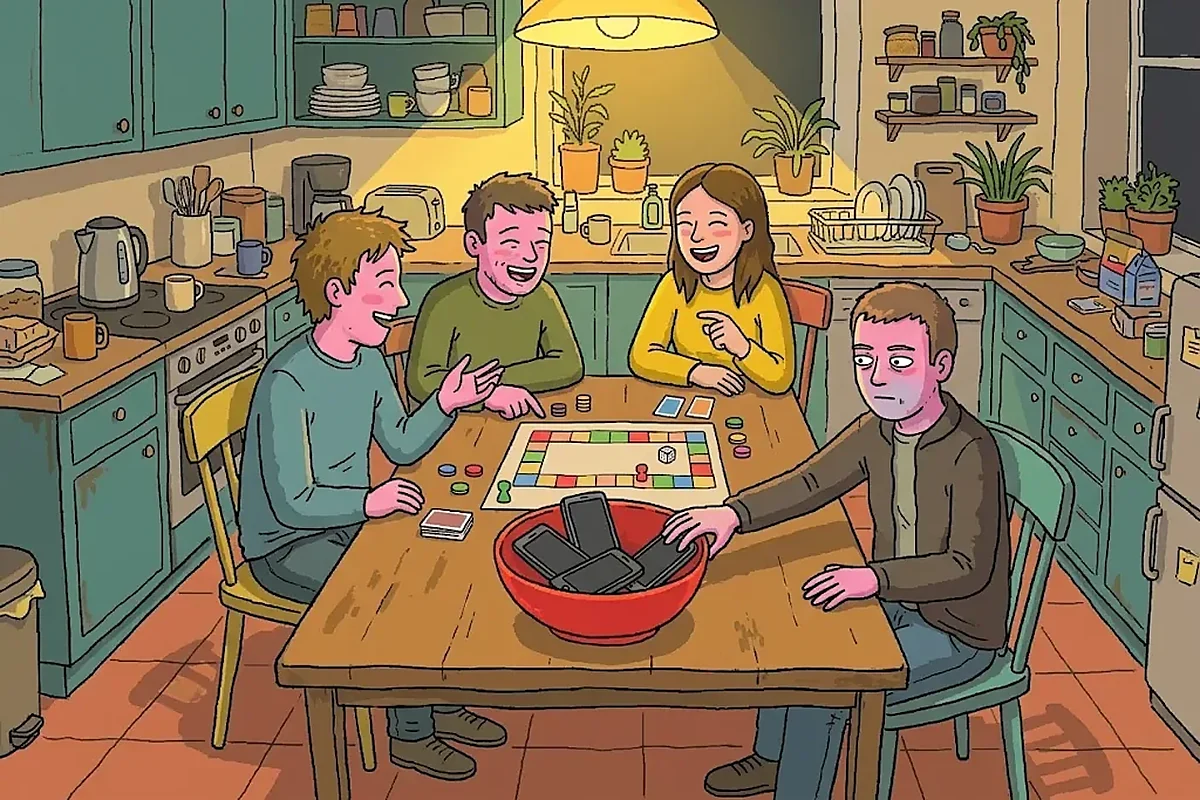 A 30 Day Screen Time Challenge You Can Do With FriendsA 30 day screen time challenge that lasts past week one: a weekly plan, rules for doing it with friends, and a free leaderboard on iPhone and Android.
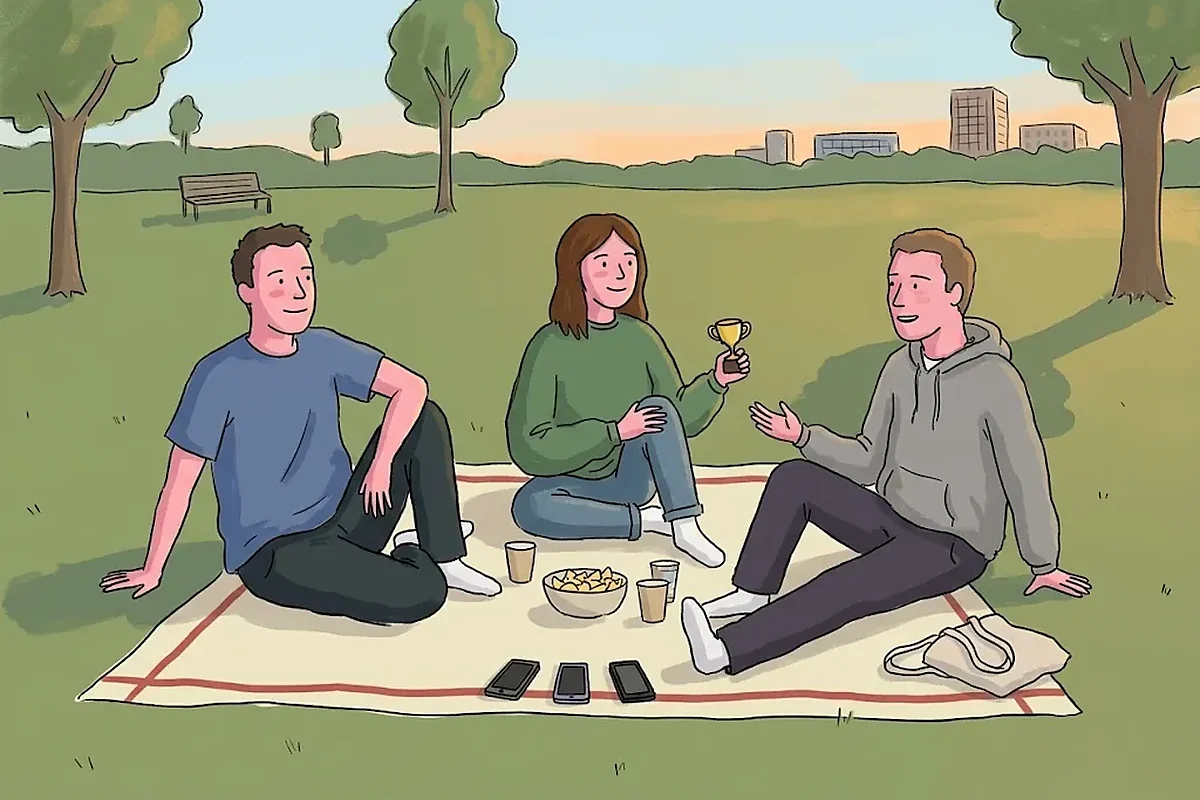 Free BePresent Alternative: Friends Leaderboard Without ProLooking for a free BePresent alternative? BePresent puts leaderboards behind Pro. Compare the options, and one where friends and blocking are free.