Choosing a tool4 min read
A Free Alarmy Alternative for iPhone: Stop It With a Tag or a Barcode
Alarmy is free to download, with paid Premium plans. If you want a free Alarmy alternative on iPhone, Fluid Friction's alarm only stops when you tap an NFC tag or scan a barcode you placed away from your bed, rings through Silent on iOS 26, and blocks your feed apps after you wake. Every alarm feature is free.
On this page (6 sections)
Alarmy earned its reputation. It popularised the idea that an alarm should make you do something before it stops, and for a lot of people that was the first alarm that actually worked. People still go looking for a free Alarmy alternative, and the reasons are usually the same two: the price of Premium, and a mission that turned into a routine they can do without waking up.
This page compares the two honestly. We make one of them, so read it as an interested party rather than a neutral one.
What Alarmy does, and what costs money
Alarmy is free to download. Its App Store listing describes missions such as math problems, memory games, shaking the phone, squats and a photo mission, plus a sleep tracker and sleep sounds. The listing also shows a range of paid Premium and Pro plans, the largest priced at $59.99 and $69.99 in the US store. Which missions sit behind which plan changes over time, so check the current listing before you decide.
That is a reasonable business. It is also the single most common complaint about every app in the category, and the reason "free" is so often attached to this search.
How Fluid Friction's alarm is different
Fluid Friction is a screen time app first, built around friction on the scroll. The alarm exists because the worst scrolling of the day often happens in the first half hour after waking. So the design has one idea at its centre: the thing that stops the alarm is a physical key somewhere you have to walk to.
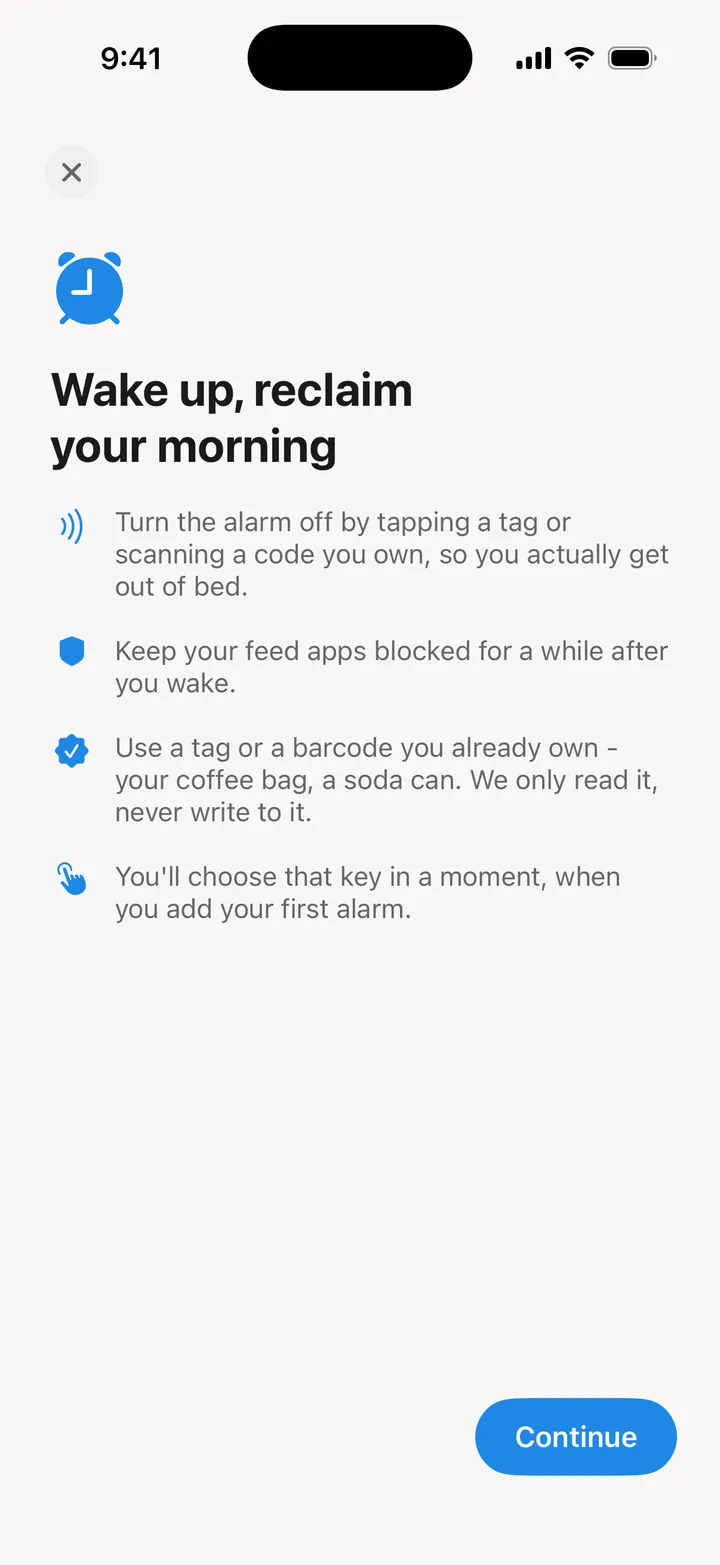
- NFC tag keys. Any tag with a fixed ID, read only, never written. Stick one on the bathroom mirror. The full setup is in our NFC alarm clock for iPhone guide.
- QR code and barcode keys. Any product barcode works, like the one on your coffee bag, so you can start tonight with nothing to buy. See the QR code alarm clock guide.
- Wake challenges for nights away from your key: a few math problems, or a long scrambled sentence to type.
- A real system alarm on iOS 26. It rings through Silent and Focus. On iOS 17 to 25 it falls back to notifications, which Silent can mute.
- Stop does not end it. iOS always shows a Stop control, so the app makes it futile instead: the alarm comes back within seconds until you scan. Force quitting does not help, and the volume is held up while it rings.
What happens after you are up
This is where the two apps want different things. Alarmy's job ends when you are awake. Fluid Friction's job is the next half hour.
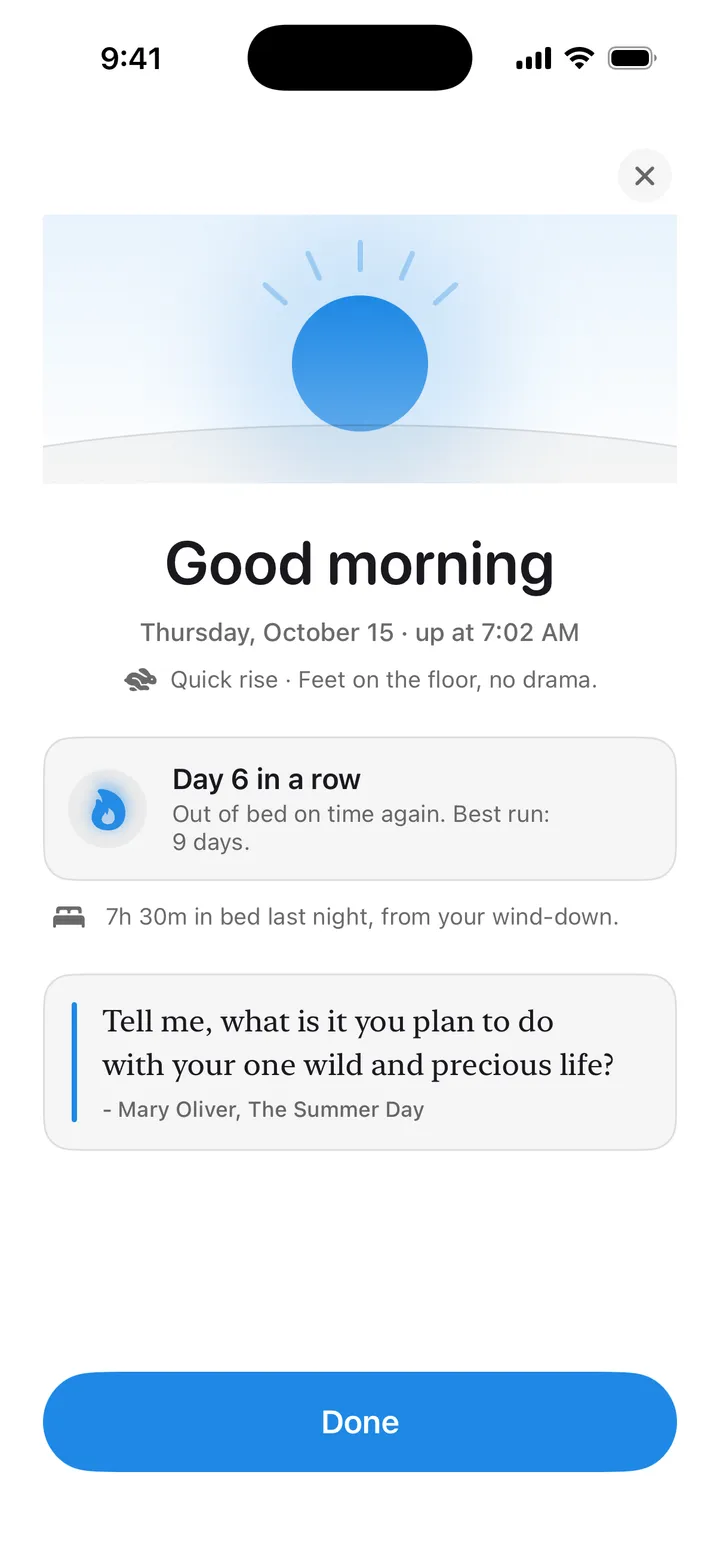
- Morning block. The apps you pick, usually the feeds, stay blocked for 30 minutes after you scan, or however long you choose.
- Stay out of bed. An optional second key in another room; scan the first, and the alarm returns unless you scan the second too.
- Honest streaks. A morning you bypass is recorded as missed, and your rise streak resets. The app does not count it as a win.
- Wind-down at night. A bedtime goal and a silent reminder, because late scrolling is what makes the morning hard. See why you scroll at night.
Free Alarmy alternative compared, side by side
| Alarmy | Fluid Friction | |
|---|---|---|
| Price | Free download, paid Premium plans | Every alarm feature free |
| Physical key | Photo mission | NFC tag, QR code or product barcode |
| Exercise missions | Shaking, squats | None |
| Puzzles | Math, memory and more | Math, or typing a long sentence |
| After you wake | Alarm ends | Feed apps blocked for a set time |
| Sleep tracking | Sleep tracker and sounds | Time in bed from your wind-down |
| Platforms | iPhone and Android | iPhone and Android |
Read the rows honestly. If you want squats or sleep sounds, Alarmy does more, and Fluid Friction will not replace it. If you want a key across the room, for free, and a morning that does not open on Instagram, that is what Fluid Friction is built for.
Choosing a free Alarmy alternative
A short checklist, which applies to any alarm app including ours.
- Does it ring on Silent? On iPhone, only apps built on iOS 26's AlarmKit can. Anything else is a notification.
- What happens on Stop? Every iPhone alarm shows one. Find out whether the app comes back afterwards.
- What does the free version keep? Decide before a trial ends, not after.
- Where does your morning go next? If the answer is "a feed", the alarm only solved half the problem.
Pricing, plainly: the alarm, NFC and barcode keys, challenges, the morning block, the wind-down and the rest of the app's tools are free in Fluid Friction on the App Store. Fluid Friction Pro is an optional auto renewing subscription at USD 4.99 a month or 39.99 a year with a seven day trial. It unlocks cosmetics, such as the Night wake screen and themes, and no alarm feature sits behind it.
Common questions
Is there a free alternative to Alarmy on iPhone?
Yes. Fluid Friction's alarm, with NFC tag and barcode keys, wake challenges and a morning block, is free with no account. It has no exercise missions, so if squats or shaking the phone are what wake you, Alarmy is still the closer match.
Does Alarmy support NFC tags?
Its App Store listing does not mention NFC. Its physical option there is the photo mission. Fluid Friction uses NFC tags, QR codes and product barcodes as keys.
Can an iPhone alarm app ring when the phone is on Silent?
Only on iOS 26 and later, through Apple's AlarmKit. Fluid Friction uses it. On older iOS versions, every third party alarm app is a notification that Silent or Focus can mute.
Is there a Fluid Friction alarm on Android too?
Yes. On Android the alarm stops with an NFC tag, a math challenge or a typed sentence. Barcode keys are on iPhone only for now.