Block the feed, keep the app
Instagram DMs Only: Use Instagram Just for Messages
Instagram has no messages only mode, so the feed, Reels and Explore are always one tap from your inbox. To get Instagram DMs only on iPhone, open Instagram in Fluid Friction's browser and turn on DMs Only, which restricts it to Direct Messages. On Android, block Reels and put friction on the feed. Both are free.
On this page (8 sections)
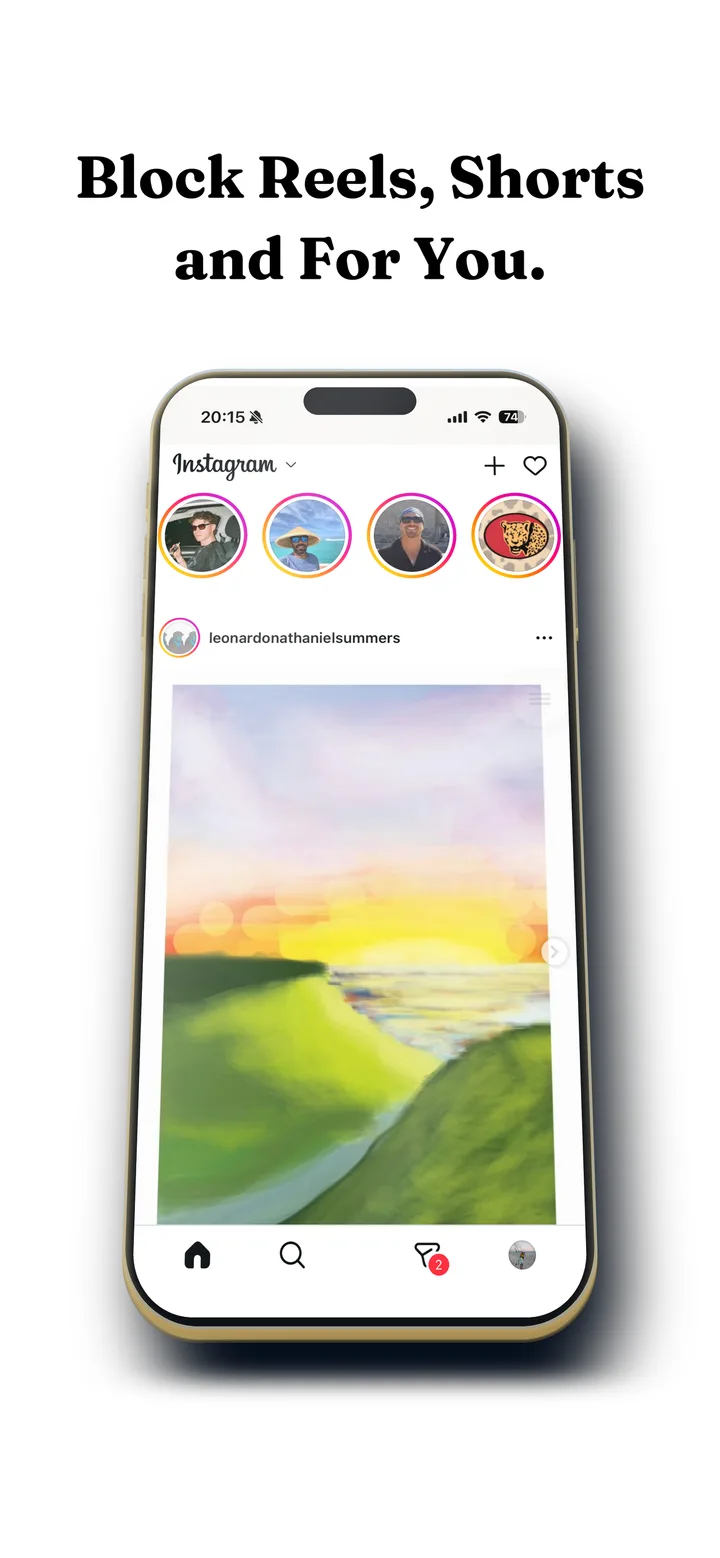
For a lot of people, Instagram is a messaging app with a feed attached. The group chats, the friend who only uses Instagram, the reel someone sends you: that is why the app stays installed. Everything else is what eats the evening.
Instagram has no setting for that. Here is how to get Instagram DMs only, so you can keep your conversations without the feed, Reels and Explore waiting one tap away.
What you get on iPhone with DMs Only:
- Stays: your inbox, group chats, message requests, and reels or posts friends send you.
- Goes: the home feed, Reels, Explore and Stories.
- When you need more: switch DMs Only off for a moment to post or check a profile, then back on.
Get Instagram DMs only on iPhone
Apple does not let one app change another, so the way to strip Instagram down on iPhone is to open Instagram's website inside an app that can restyle it.
Install Fluid Friction from the App Store
Get it on the App Store. There is no Fluid Friction account, and the blocking tools are free.
Open Instagram inside Fluid Friction and sign in
Instagram's own login page loads in the in-app browser. Your session stays on your device.
Turn on DMs Only
Instagram is restricted to Direct Messages. The feed, Reels and Explore are hidden, so opening Instagram lands you in your inbox.
Move the Instagram app out of reach
Delete the Instagram app, or move it off your home screen, and put Fluid Friction where it was. A Screen Time limit on the original app makes this stick.
On Android: messages easy, scrolling hard
On Android, Fluid Friction works inside Instagram's real app, so notifications and the camera behave as normal. It cannot hide the feed, but it gets you most of the way to DMs only:
- Block Reels with Feature Blocking, so the Reels screen closes the moment it opens. The walkthrough is in how to block Instagram Reels on Android.
- Add friction to the feed. Each swipe drags through on screen fluid, and a bubble has to rise off the screen before the feed moves, so replying to a message stays instant while scrolling takes effort.
Fluid Friction is free on Google Play.
Other ways people try, and why they fall short
- Instagram on the web. instagram.com has messages and no Reels tab, but it still has the feed and Explore, and notifications are weaker.
- Turning off feed notifications. Settings let you keep only message notifications, which stops the app pulling you in, but once you open it, the feed is still there.
- Deleting Instagram. Removes the feed and your conversations with it, which is why most people reinstall within days.
- A time limit. Screen Time or Digital Wellbeing limits the whole app, so your messages stop with the feed. See how to block Instagram on your phone for the levels of blocking.
Set Instagram up as a messaging app
Whichever phone you have, a few settings make Instagram feel like a messenger instead of a feed:
- Message notifications only. In Instagram's notification settings, keep messages and message requests, and turn off likes, comments, suggestions and live videos. The app stops calling you back for anything but people.
- Open it from the notification. Tapping a message notification takes you to the conversation, not the feed. Reply and close.
- Keep the app off your home screen. On iPhone, put Fluid Friction there instead; on Android, move Instagram into the app drawer.
The aim is that every Instagram session starts with a person and ends when the conversation does. Hard blocks on the whole app tend to fail because they also cut off the messages; more on that in why app blockers don't work.
What changes after a week
People who switch to messages only usually notice that they open Instagram about as often, but for a fraction of the time. Replies stay fast, and the forty minute sessions that used to start with a single message stop happening.
If it stops working
If the feed appears again on iPhone, check that you opened Instagram through Fluid Friction and not the Instagram app, which has no DMs Only mode. Instagram changes its website from time to time, so keep Fluid Friction updated. On Android, if Reels opens again, check that Feature Blocking for Instagram Reels is still on after any phone update.
Which setup fits you
| You want | Use |
|---|---|
| Messages and nothing else, on iPhone | DMs Only in Fluid Friction |
| Messages plus the occasional post | Following Only instead of DMs Only |
| No Reels, on Android | Feature Blocking for Instagram Reels |
| Feed slowed down, on Android | Friction on Instagram |
| Only message notifications | Instagram's notification settings |
Common questions
Is there a way to use Instagram only for DMs?
Instagram has no messages only mode. On iPhone, Fluid Friction's DMs Only restricts Instagram to Direct Messages inside its browser. On Android, blocking Reels and adding friction to the feed gets close while keeping the real app.
Is there an app for Instagram messages only?
Yes. Fluid Friction on iPhone has a DMs Only switch for Instagram, free with no account. It also has messages only modes for X and LinkedIn.
Can I get Instagram DMs without the app?
Yes. instagram.com in a browser has your messages, though the feed and Explore are still there. On iPhone, Fluid Friction's browser with DMs Only shows just your messages and nothing else.
How do I make Instagram just a messaging app?
On iPhone, open Instagram in Fluid Friction and turn on DMs Only. On either phone, turn off every Instagram notification except messages, so the app only calls you back for people.
Will I still see reels people send me?
Yes. Reels and posts sent to you in a conversation still open. What goes is the endless feed of reels you did not choose.
Is it safe to use Instagram inside another app?
You sign in on Instagram's own page, so Fluid Friction never sees your password, and your session stays on your device. It does not read your messages.
Does DMs Only work on Android?
DMs Only is an iPhone feature, because it works through Fluid Friction's browser. On Android, Fluid Friction blocks Reels inside Instagram's real app and adds friction to the feed instead, both free.