Choosing a tool5 min read
A Free Tagdawn Alternative: NFC, QR and Barcode Alarm Keys on iPhone
Tagdawn is a well made NFC alarm for iPhone that costs $9.99 upfront and needs iOS 26. If you want a free Tagdawn alternative, Fluid Friction's alarm also stops only when you tap an NFC tag, and can use a QR code or the barcode on your coffee bag instead. It rings again until you scan, and it blocks your feed apps after you wake.
On this page (6 sections)
Tagdawn is one of the first iPhone apps to do the NFC alarm properly. It is built on Apple's new system alarms, the alarm stops when you scan a tag across the room, and it is honest about what iOS does and does not allow. If you search for an NFC alarm on iPhone, it is likely the first app you see.
It also costs $9.99 before you can try it. If that is why you are looking for a Tagdawn alternative, this page compares it with the free one we make. We are an interested party, so we have kept the claims about Tagdawn to what its own App Store listing says.
What Tagdawn does well
Credit where it is due. According to its App Store listing, Tagdawn:
- Uses iPhone's own alarm system, so it rings like the Clock app does.
- Turns off with an NFC tag placed across the room, with an optional backup QR code for some alarms.
- Supports several tags in an order, with tap counts, and lets you protect alarm changes with Face ID, a passcode or a tag.
- Adds Habits and Focus. Habit tracking with a widget, and a Focus mode that blocks chosen apps through Apple's Screen Time.
- Costs $9.99 once. There is no recurring fee and no in-app purchase, and its listing says no data is collected.
That is a strong product, and a one time price is a fair model. The two things that send people looking elsewhere are the upfront cost before you know if the method works for you, and the iOS 26 requirement.
Where Fluid Friction differs
Fluid Friction is a screen time app first, built around friction on the scroll. The alarm exists because the first half hour after waking is when many people lose the morning to a feed. The differences that matter:
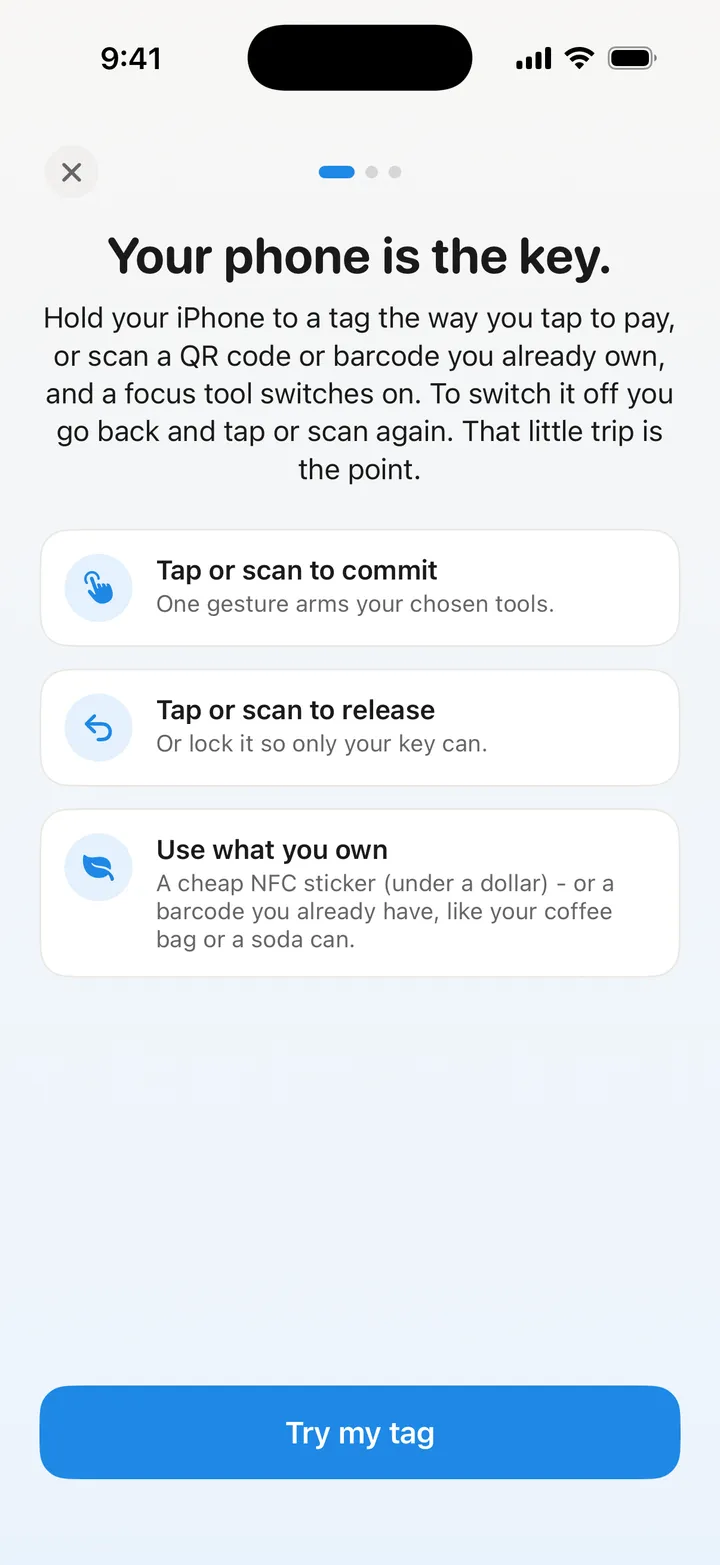
- Free. The alarm, NFC tags, QR and barcode keys, wake challenges and the morning block cost nothing, with no account.
- Product barcodes as keys. Not just a QR code: the barcode on a coffee bag, a soda can or a toothpaste tube works, so you can start tonight with nothing to buy. The QR code alarm clock guide covers which codes to use.
- Stop brings it back within seconds. Tagdawn's listing describes Stop on a tag alarm as a snooze that rings again after the wait you choose. Fluid Friction's follow up alarms start about ten seconds later and keep coming until a verified scan, and they survive force quitting the app.
- Volume held up. While the alarm rings, the app keeps the volume high.
- Runs on iOS 17 too. The full system alarm needs iOS 26, as with Tagdawn. On iOS 17 to 25 Fluid Friction falls back to notifications, which Silent can mute, so it is a fallback rather than a full alarm.
- Wake challenges for nights away from your key: math problems or a long sentence to type.
The morning after the scan
Both apps can block apps. The difference is when.
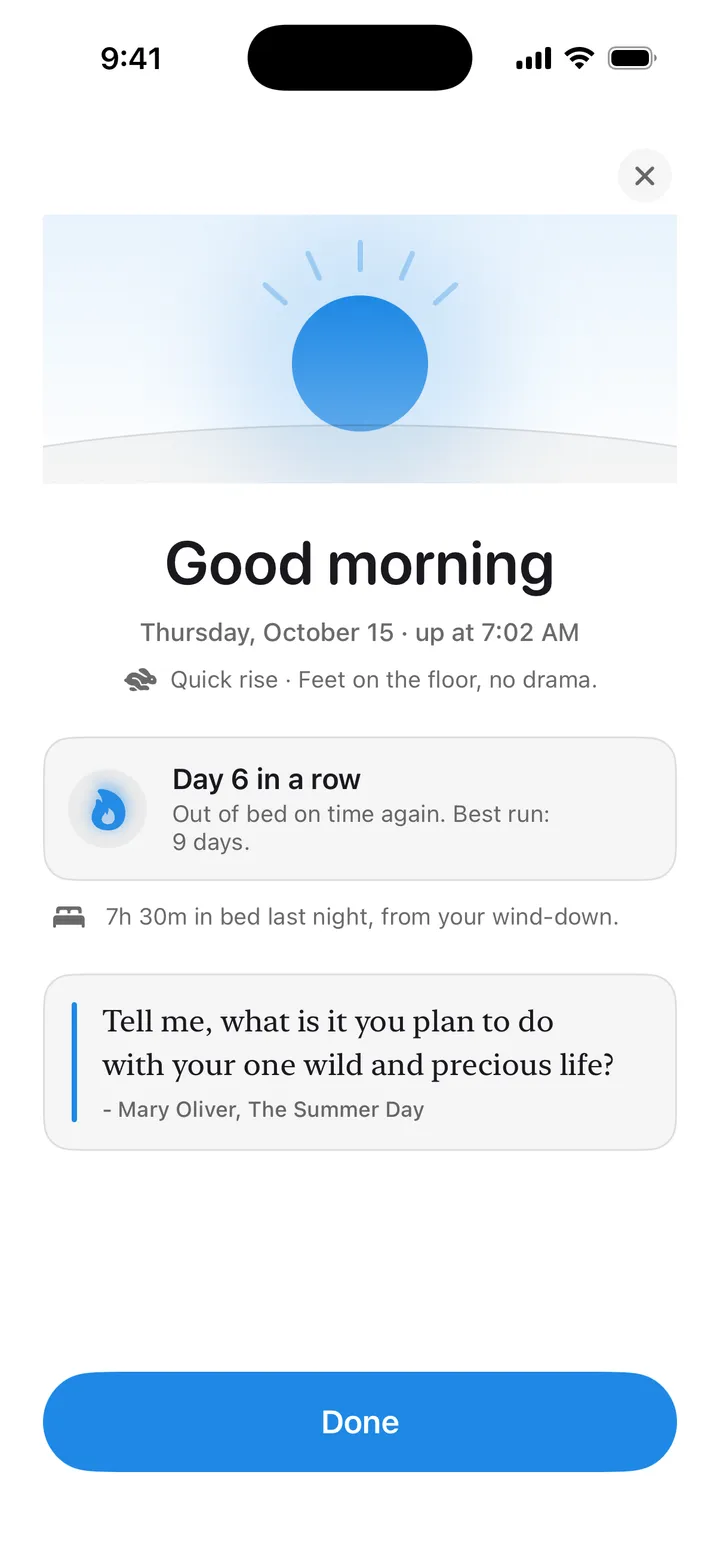
Tagdawn Focus is a session you start and end. Fluid Friction ties blocking to the alarm itself: a morning block starts the moment you scan your key, so the feeds you choose stay closed for 30 minutes, or however long you set. In Strict mode, only your key ends it early. There is also an optional second key in another room, so tapping the first tag and getting back into bed does not work.
Beyond the morning, Fluid Friction has a browser that hides Reels, Shorts and Explore while keeping DMs, plus scroll friction on the sites you pick. That part is covered in the Opal alternative for iPhone comparison.
Tagdawn alternative compared, side by side
| Tagdawn | Fluid Friction | |
|---|---|---|
| Price | $9.99 once | Free; optional Pro is cosmetic |
| iOS version | iOS 26 or later | iOS 17 or later; full alarm on iOS 26 |
| NFC tags | Yes, several, with order | Yes |
| QR code | Optional backup | Yes, as the main key or alongside a tag |
| Product barcodes | Not listed | Yes |
| After Stop | Rings again after your chosen wait | Rings again within seconds |
| Apps blocked after waking | Through Focus sessions | Morning block starts at the scan |
| Habits | Yes, with a widget | Not in the alarm |
| Account | None | None |
Read it honestly. If you want habits and multiple tags in one tidy app you pay for once, Tagdawn is a good purchase. If you want to try the method free, use a barcode you already own, or have the alarm hand you straight into a morning without feeds, Fluid Friction is built for that.
How to switch from Tagdawn
Your tags work in both apps. Fluid Friction only reads a tag's ID and never writes to it, so a sticker you set up for Tagdawn can be your key here too.
Install Fluid Friction
Fluid Friction is free on the App Store. Open Sleep & Alarm in the Tools tab and allow alarms when iOS asks.
Add an alarm and link your tag
Choose "Tap an NFC tag", hold your iPhone to the tag you already use, and tap "Test it reads". Or choose a QR code or barcode instead.
Turn off the alarm in Tagdawn
Two apps ringing for the same morning is one too many. Disable the matching alarm in Tagdawn once the new one has worked for a morning.
The full setup, including where to put the tag, is in the NFC alarm clock for iPhone guide. If you came from Alarmy rather than Tagdawn, see the free Alarmy alternative instead.
Common questions
Is there a free alternative to Tagdawn?
Yes. Fluid Friction's iPhone alarm stops only when you tap an NFC tag or scan a QR code or product barcode, and every alarm feature is free with no account. Tagdawn costs $9.99 once.
Can I use my Tagdawn NFC tags with Fluid Friction?
Usually yes. Fluid Friction reads only the tag's hardware ID and never writes to it, so a sticker or fob you already use works. Bank cards and a few secure cards change their ID each read and cannot be used.
Does Fluid Friction need iOS 26 like Tagdawn?
For the full system alarm that rings through Silent, yes. Fluid Friction also installs on iOS 17 to 25, where it falls back to notifications that Silent and Focus can mute.
What happens if I press Stop?
iOS always shows Stop on an alarm, in every app. In Fluid Friction the alarm rings again within seconds and keeps returning until you scan your key, even if you force quit the app.
Does Fluid Friction have habits like Tagdawn?
Not inside the alarm. Its focus is the morning and your phone: the morning block, a wind-down at night, rise streaks, and screen time tools for the rest of the day.